
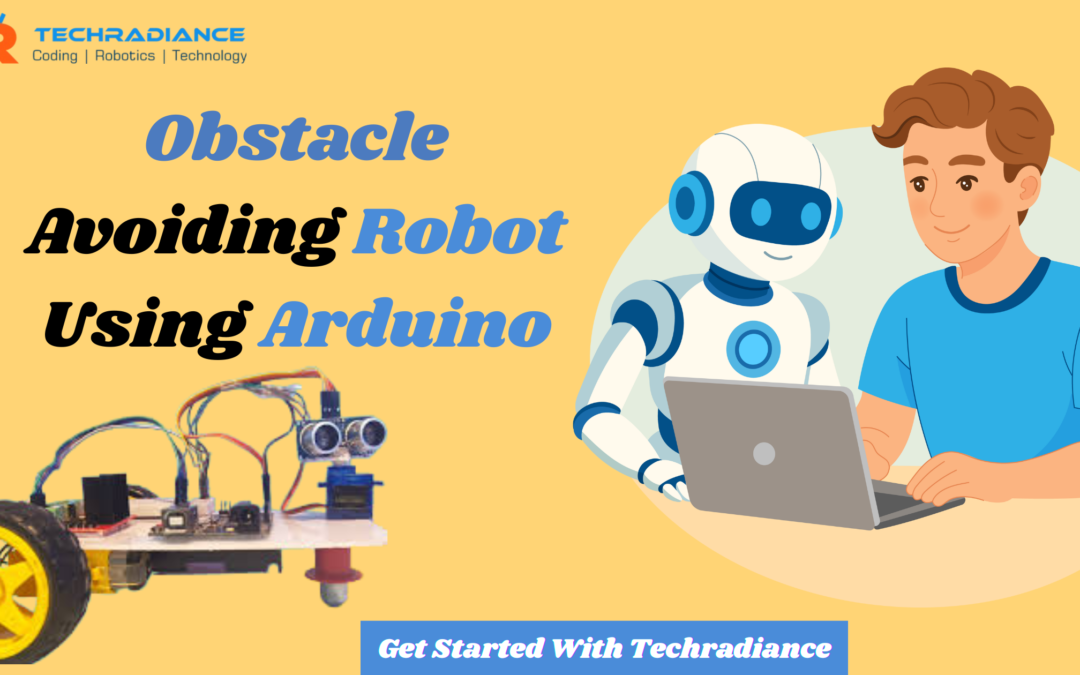
Robots are now a part of our everyday life. Robots are in every corner, from cleaning our homes to working in large factories. The Obstacle Avoiding Robot Using Arduino is one of the most popular robots for beginners.
This robot will not be a school project in 2026. This is a smart tool for teaching students about robotics, programming, and solving real-world problems easily.
We at Techradiance believe that learning robotics can be fun and easy. This blog will be written in a straightforward manner, making it easy for even young students to understand.
Author: Ashish, a Robotics Expert
What Is an Obstacle-Avoiding Robot?
An Obstacle-Avoiding Robot moves on its own. It can stop and change directions when it encounters something.
As an example:
- The robot will not crash if a chair is placed in front of it.
- The robot will automatically turn left or right if a wall suddenly appears.
- The path will continue to move forward if it is clear.
This robot uses a sensor for “seeing” obstacles, and a controller for deciding what to do.
Why Obstacle Avoiding Robot Using Arduino Is Popular in 2026
The Obstacle Avoiding Robot Using Arduino has become very popular because Arduino is simple to use and is perfect for beginners.
Students love it for these reasons:
- Simple and affordable, Arduino is a great way to get started.
- It is simple to learn how to code
- Easy to find parts
- This product gives quick results
- The perfect project for students and college students
By 2026, Arduino robots will be used in many robotics laboratories and schools, including Techradiance, to teach STEM skills.
How Does an Obstacle Avoiding Robot Work?
It is easy to understand how an Obstacle Avoiding Robot works. Let’s step by step understand.
- Sensors check the path
Robots use an ultrasonic sensor or an IR sensor to see if anything is in front. - Arduino receives the signal
The sensor sends data to the Arduino board - Arduino makes a decision
Arduino decides if it will move forward or stop. - Motors act
Motors react to Arduino’s decisions.
The robot is responsive and intelligent because the process is very quick.
Main Components Used in Arduino Obstacle Avoiding Robot
Each robot requires some essential parts. The following are the most common components found in Arduino projects.
- Arduino Board
It is the brain of a robot. It is the brain of the robot.
- Ultrasonic Sensor
This device measures distances and detects obstructions.
- Motor Driver
This helps Arduino to control motors in a safe manner.
- DC Motors & Wheels
They help the robot to move forward, turn, and go backward.
- Battery
The robot is powered by this power source.
- Chassis
The main body of the machine.
Students learn the components of Techradiance before assembling.
Obstacle Avoiding Robot Code – Explained Simply
There is no need for students to be afraid. The Obstacle Avoiding Robot Code can be easily understood by beginners.
The robot will:
- What to do next?
- Stopping at a certain point is a good idea
- Turning left or right
Example logic:
- Move forward if the distance is greater than 20 cm
- Turn if the distance is less than 20cm
The Arduino language is similar to English, so that students can quickly understand it.
Why Arduino Robot Projects Are Best for Beginners
Arduino Robot Projects are ideal for beginners, as they teach multiple skills at once.
Students learn the following skills:
- Basic Coding
- Electronics Knowledge
- Logical Thinking
- Problem-solving
- Creativity, innovation, and creativity
Arduino projects are the perfect way to support 2026’s trend of hands-on learning over book learning.
Real-Life Uses of Obstacle Avoiding Robots
isn’t just a school project. It’s also used in the real world.
Real-world examples:
- Vacuum-cleaning robots
- WarehIt ouse Delivery Robots
- Hospital medicine robots
- Self-driving vehicles
- Smart security robots
Students can learn to use this robot in Techradiance and build a foundation for advanced robotics careers.
Future Scope of Obstacle Avoiding Robots in 2026 and Beyond
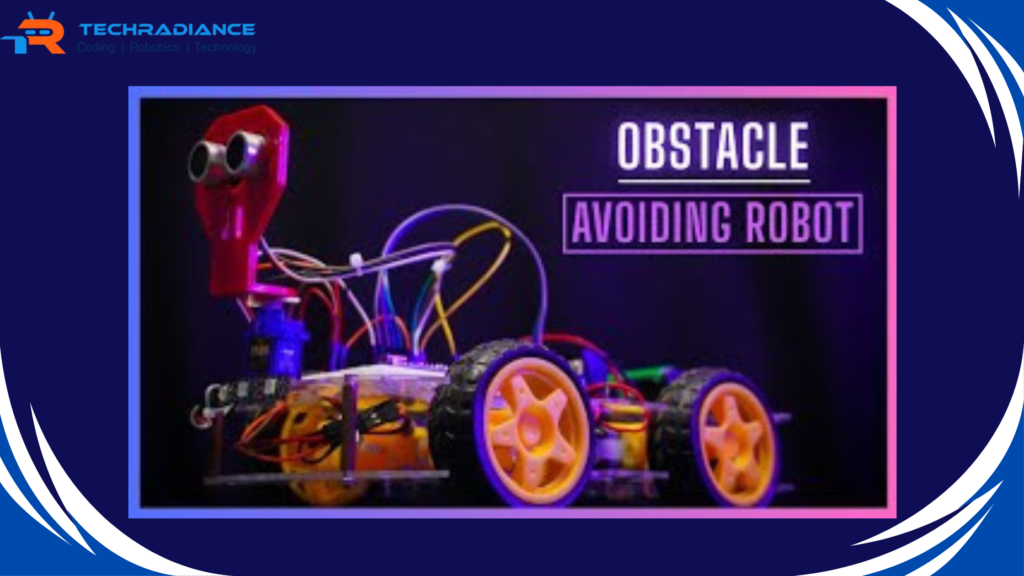
By 2026, robots will be smarter thanks to AI and machine learning.Obstacle Avoiding Robots are also getting better.
Future upgrades include
- Camera-based vision
- AI decision-making
- Voice Control
- Mobile app control
- IoT Integration
Students will be prepared for future technology by learning to use an obstacle-avoiding robot.
Why Techradiance Is the Right Place to Learn Robotics
We focus on practical training at Techradiance and not just theory.
What makes Techradiance unique:
- Easy-to-understand teaching
- Guide step-by-step
- Real working projects
- Students-friendly environment
- Industry-relevant skills
Robots help build student confidence.
Common Mistakes Students Make (And How to Avoid Them)
It is common for beginners to make mistakes.
Common mistakes:
- The wrong sensor connection
- Incorrect motor wiring
- Codes with small errors
- Low Battery Power
Students learn to fix problems and debug them calmly at Techradiance. This is an important skill for life.
How to Improve Your Obstacle Avoiding Robot Project
Students can easily improve the robot once it is built.
Simple improvements
- Add more sensors
- Speed control
- Add LED or buzzer
- Bluetooth Control
- Combination with Line Following
The project will be more impressive and advanced with these improvements.
Why This Project Is Perfect for School Competitions
The Obstacle Avoiding Robot Using Arduino has been a popular choice in robotics competitions and science exhibitions.
Reasons:
- Simple to understand
- Visually appealing
- Real-world applications
- Working models are a favorite among judges
Students can shine with Techradiance‘s guidance.
Student Testimonials
“Learning robots became easy for me.” At first I was afraid of robotics, but Techradiance made it very simple. I was able to understand sensors and coding with the obstacle-avoiding robot.
— Aarav from Class 6
“Best site to learn Arduino robots” Techradiance shows you step-by-step. I built my obstacle-avoiding robot without confusion. The mentors provide a lot of support
— Rohit, School Student
“Perfect for beginners and young students.”After learning robotics from Techradiance, my son is now very confident. The teaching style of Techradiance is simple and practical.
— Neha sharma, parent
Final Thoughts:
This Obstacle Avoiding Robot Using Arduino will be one of the top robotics projects for 2026, especially for students and beginners. It’s simple, smart, and offers many learning opportunities.
Techradiance will guide you through every step of the robotics learning process. Build the future one robot at a time by starting small and thinking big.
Frequently Asked Questions:
What is the Obstacle Avoiding Robot?
A smart robot capable of moving on its own and changing direction when it detects a foreign object using sensors, is an obstacle-avoiding robot.
How to Make Obstacles Avoiding Bots?
You will need an Arduino board as well as sensors, motors, and motor drivers. A battery is also required. The Arduino program controls the robot’s movement, while the sensor detects any obstacles.
How Does Obstacle Avoidance Work?
Sensors are used to measure the distance. Sensors send a signal to a controller when an object is close. The robot then stops or turns in order to avoid it.
What Are the Disadvantages of Obstacle Avoiding Robots?
Robots that avoid obstacles may not be able to do so in areas with poor lighting, uneven surfaces or complex environments. Sensors can also give incorrect readings.